
You can play with your friends or family using the Party feature in Stumble Guys.
There are three main ways to play together:
- Normal Party
- Custom Party
- Local Party (Split Screen)
Where do I find Parties?
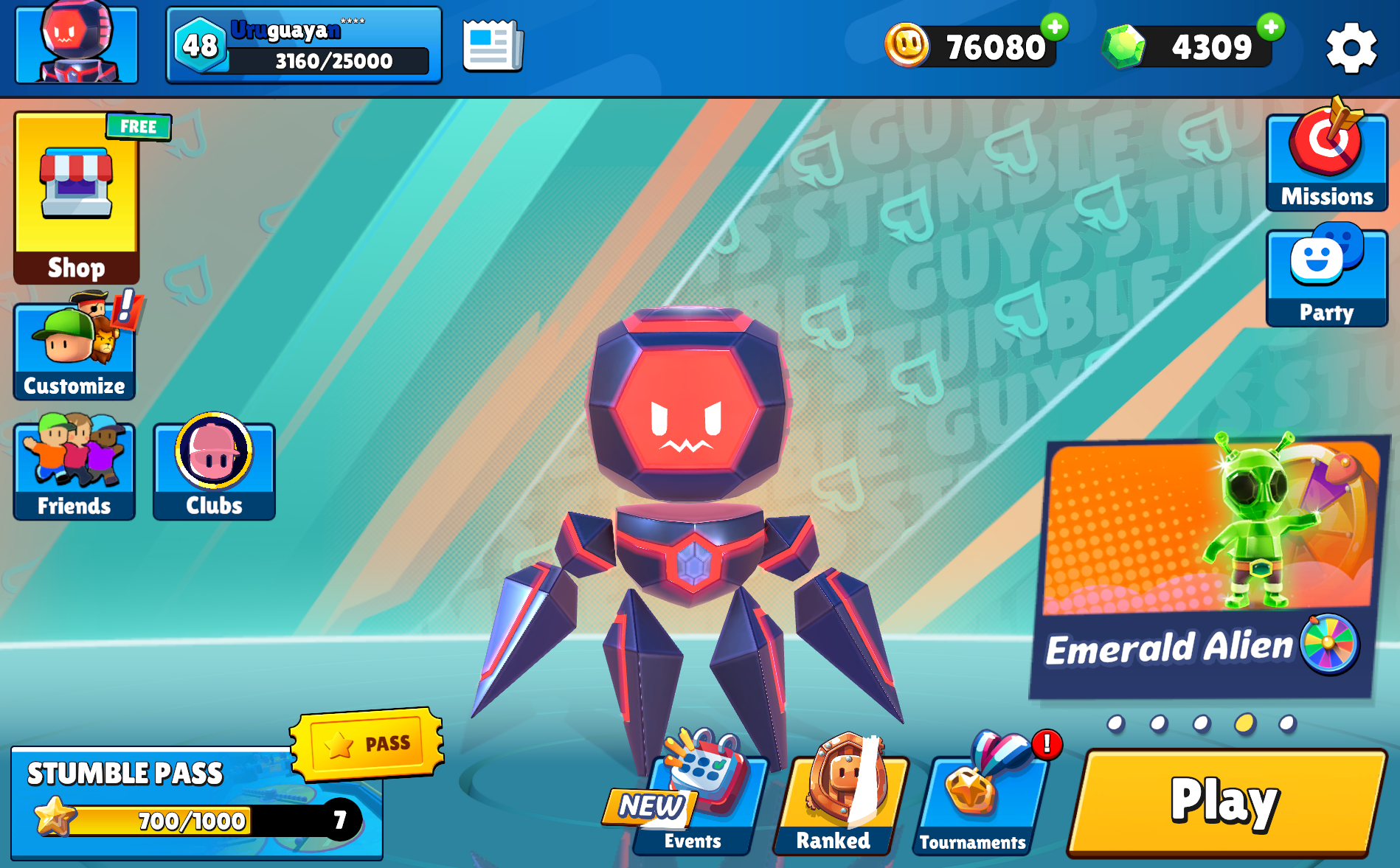
Tap the Party button on the Home Screen to create or join a Party.
Party Menu
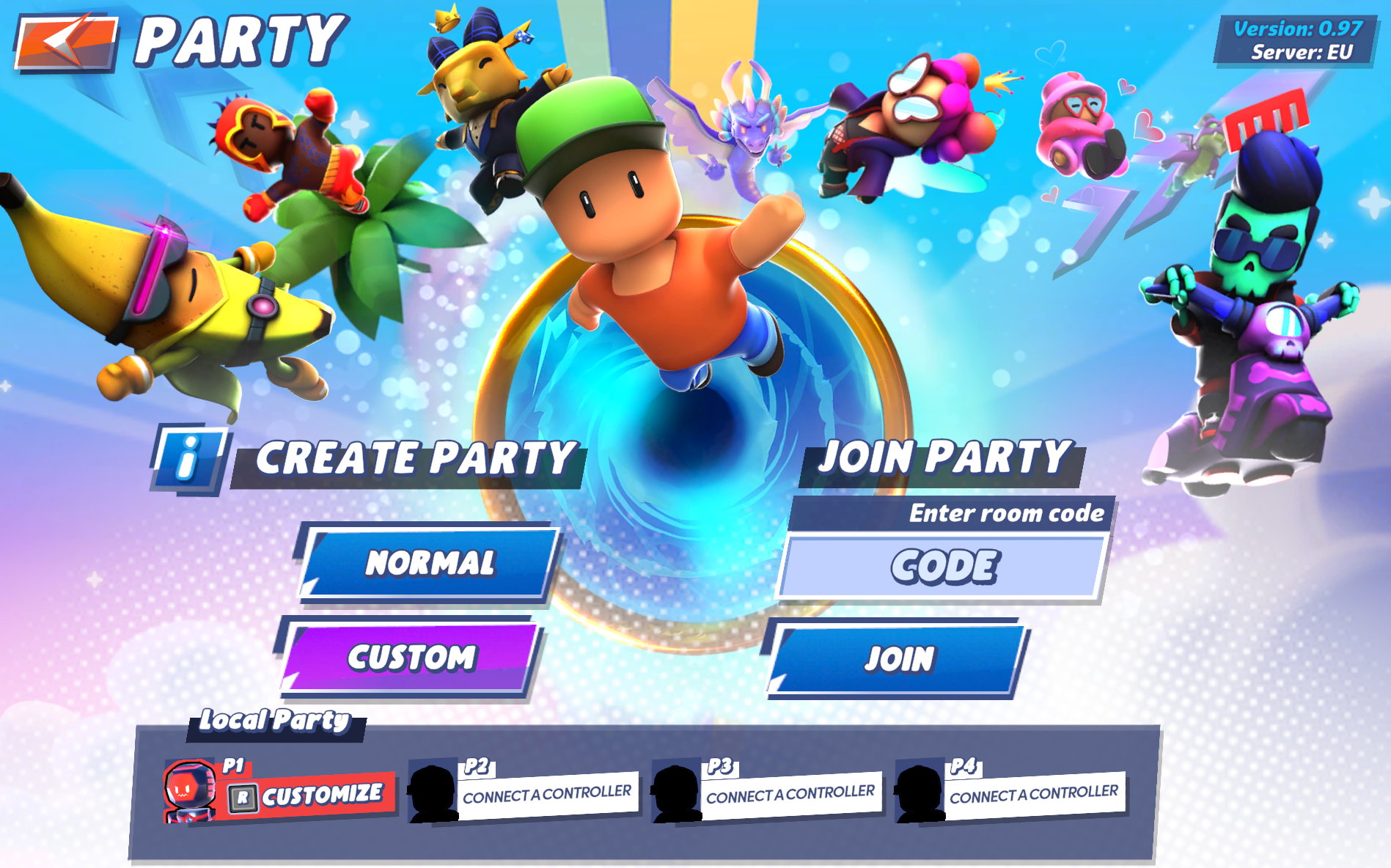
Create a Party or join one using a Room Code.
From here you can:
- Create a Party
- Join a Party using a Room Code
- Choose between Normal and Custom modes
Normal Party
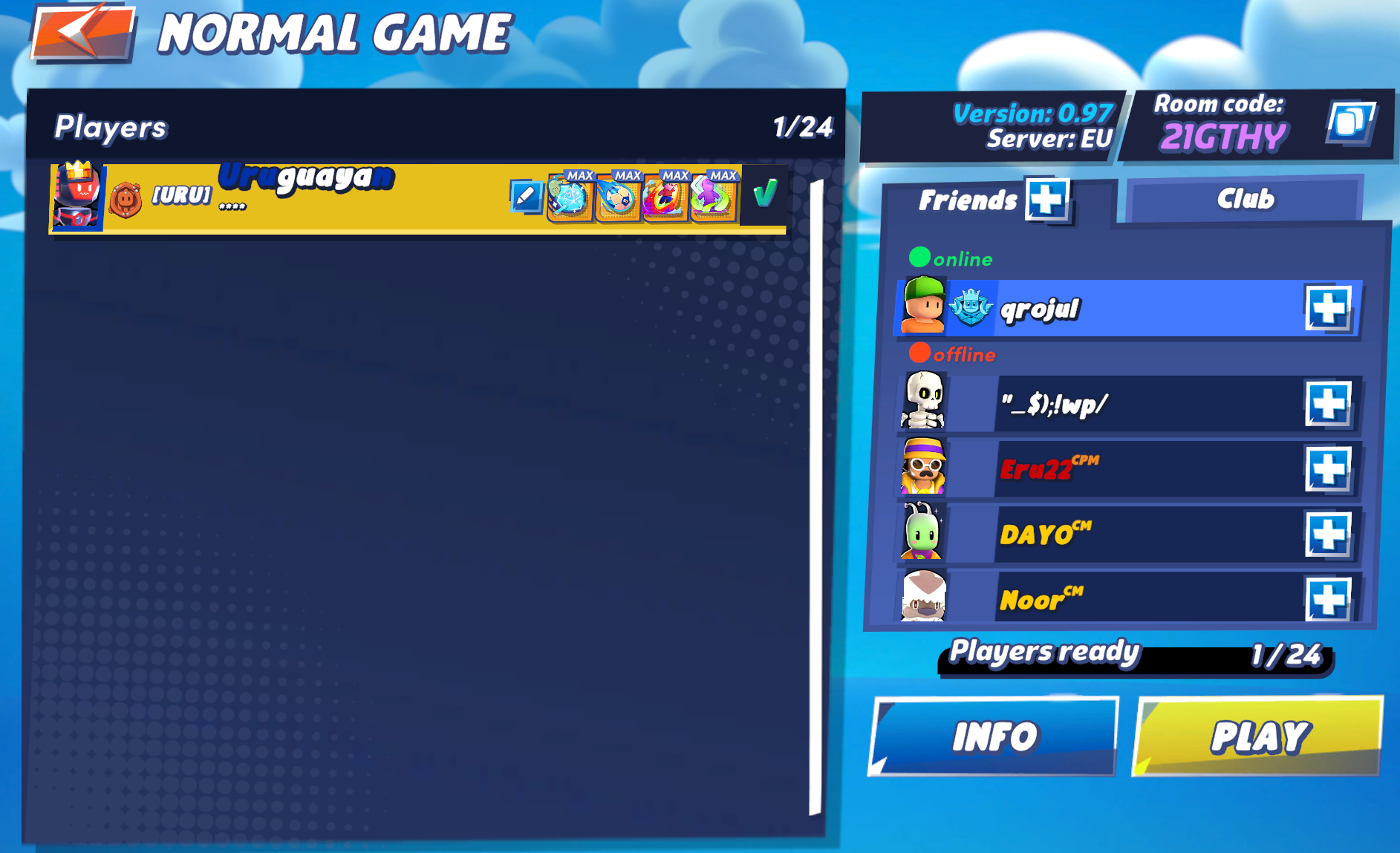
- Play with friends in standard matches
- The game uses matchmaking to fill empty slots
- You can:
- Invite friends manually
- Share a Room Code
Invite friends and start a match together using matchmaking.
Custom Party
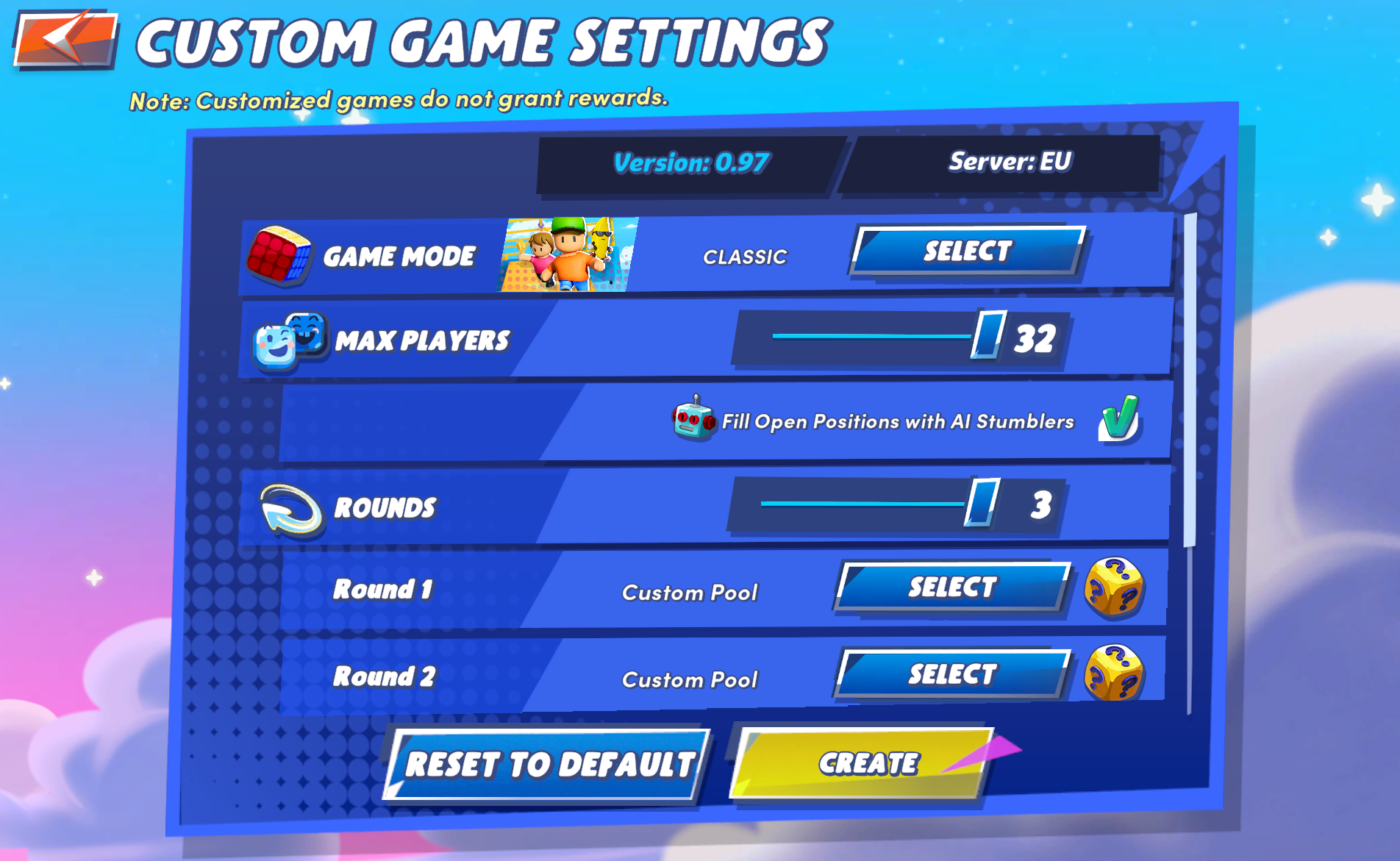
Customize your match settings, including game mode, players, and rounds.
Custom Parties give you full control over the match.
Game Modes
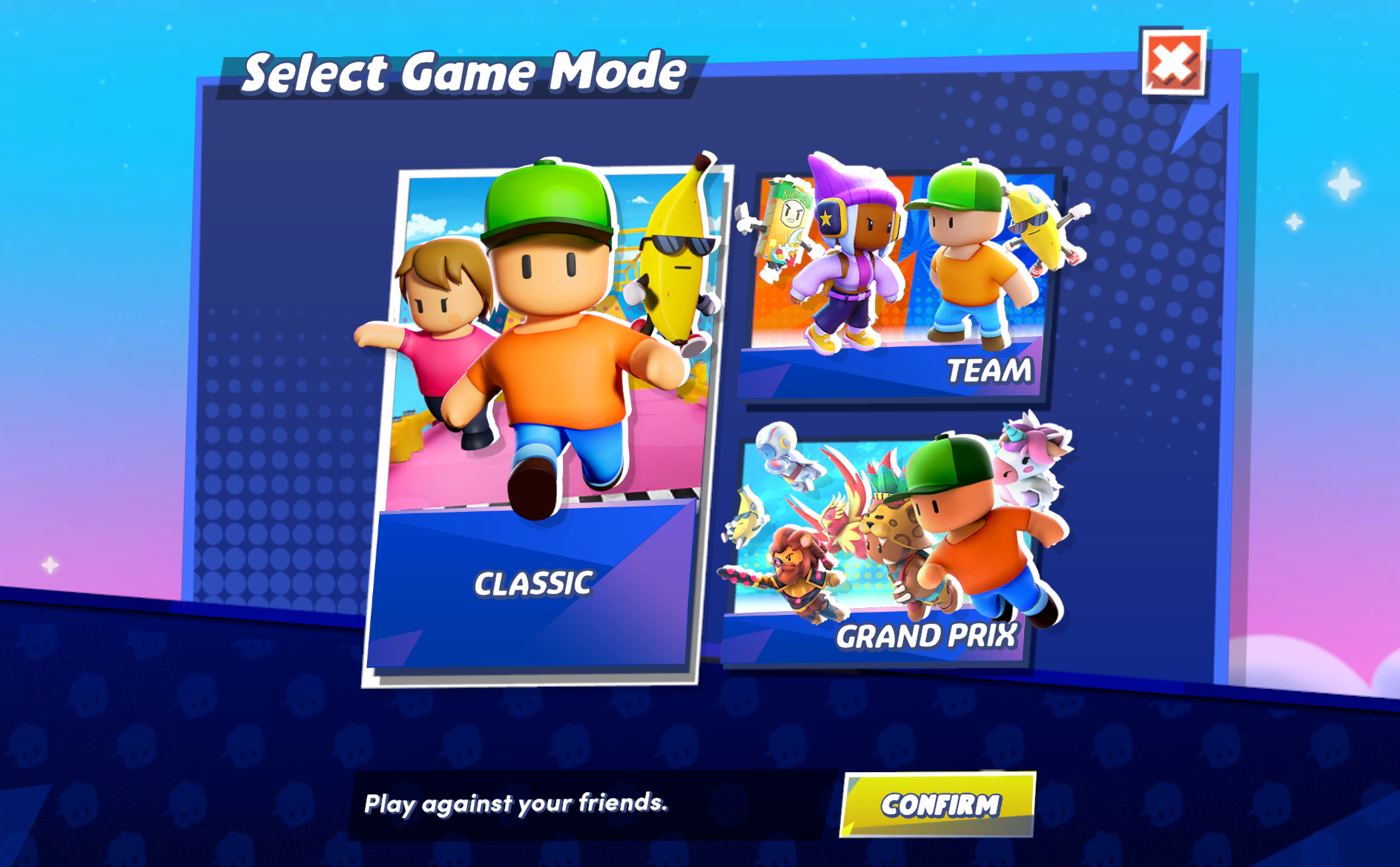
Choose between different game modes when creating a Custom Party.
Available modes may include:
- Classic – Standard multi-round gameplay
- Team – Team-based matches
- Grand Prix – Competitive multi-race format
(Available modes may vary depending on version or events)
Custom Settings
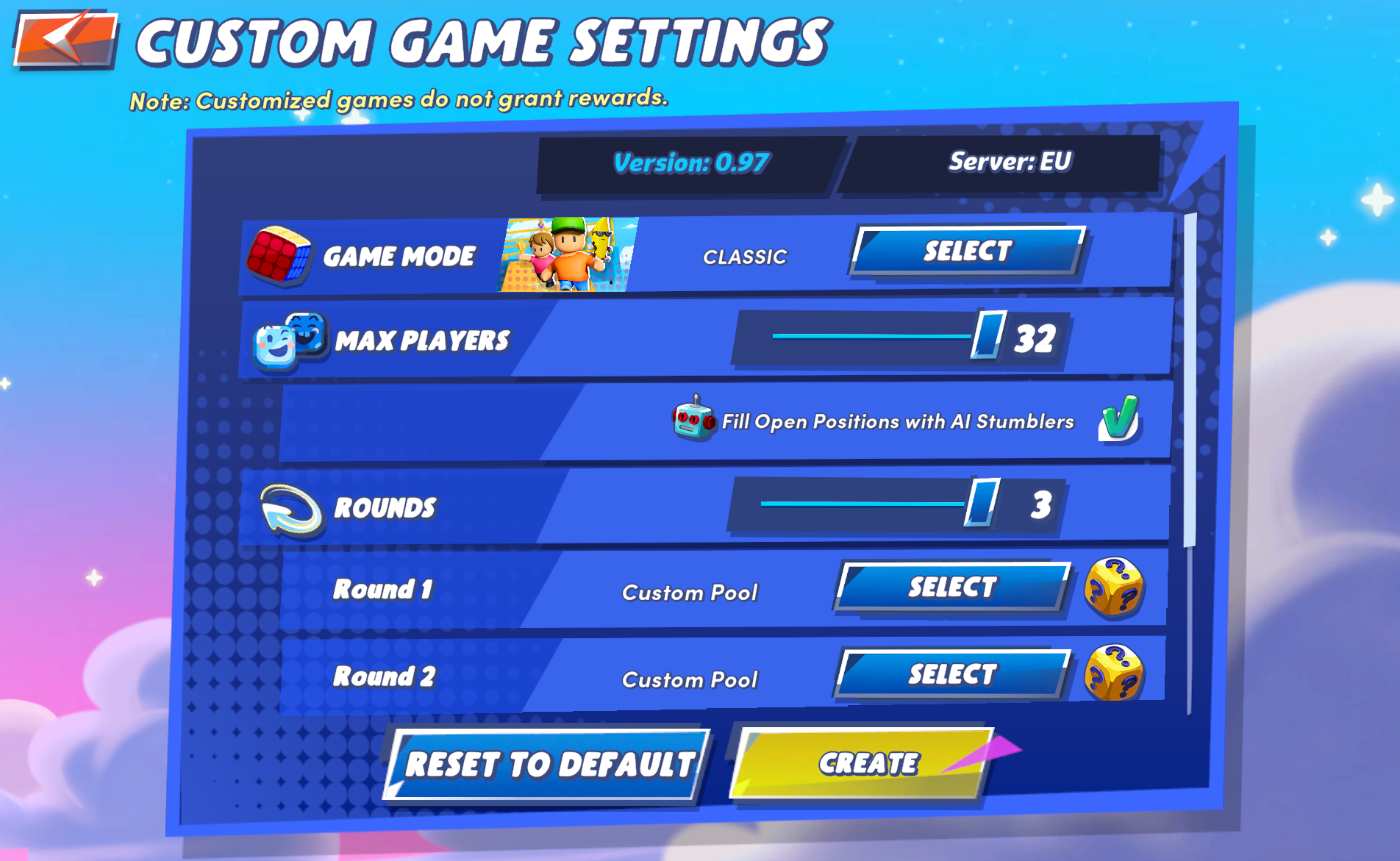
Adjust players, rounds, maps, and AI options.
You can customize:
- Game mode
- Maximum players (up to 32)
- Number of rounds
- Map selection / map pool
- Fill empty slots with AI players
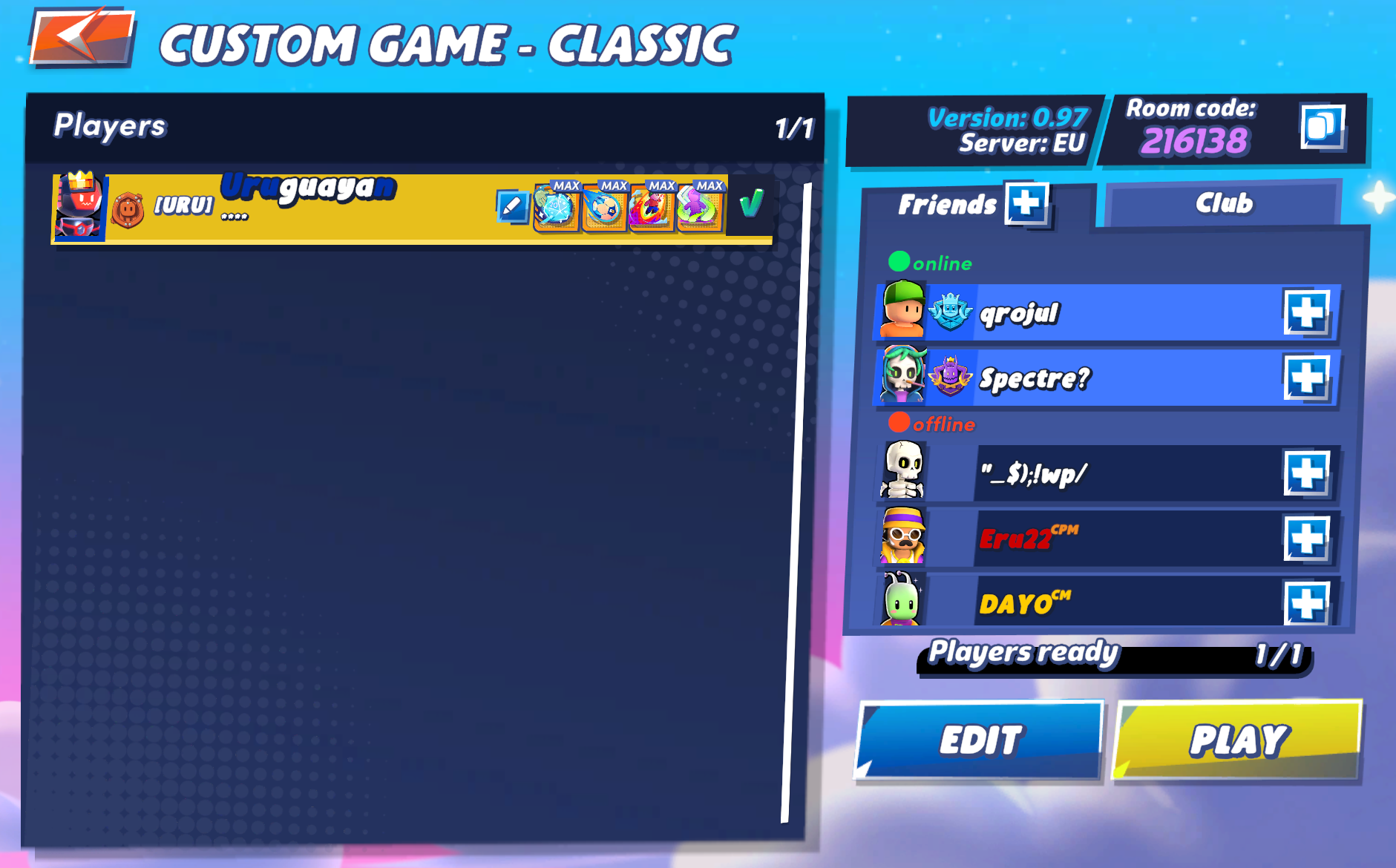
Players must join the room before starting the match.
Key Differences
- ✅ Full control over gameplay
- ✅ Ideal for:
- Private matches
- Practice
- Friendly competitions
Local Party (Split Screen)

Play locally with multiple players on the same device.
- Play on the same device
- Requires multiple controllers (console/PC)
- Supports:
- Side-by-side screen
- Top & bottom screen
Important Notes
- All players must be on the same game version
- All players must be in the same server region
- Custom Parties do not grant rewards
- Some modes or maps may be limited depending on player count
To infinity, and a few stumbles more.
