
You can personalize your Stumbler using a variety of customization options available in the Customize menu.
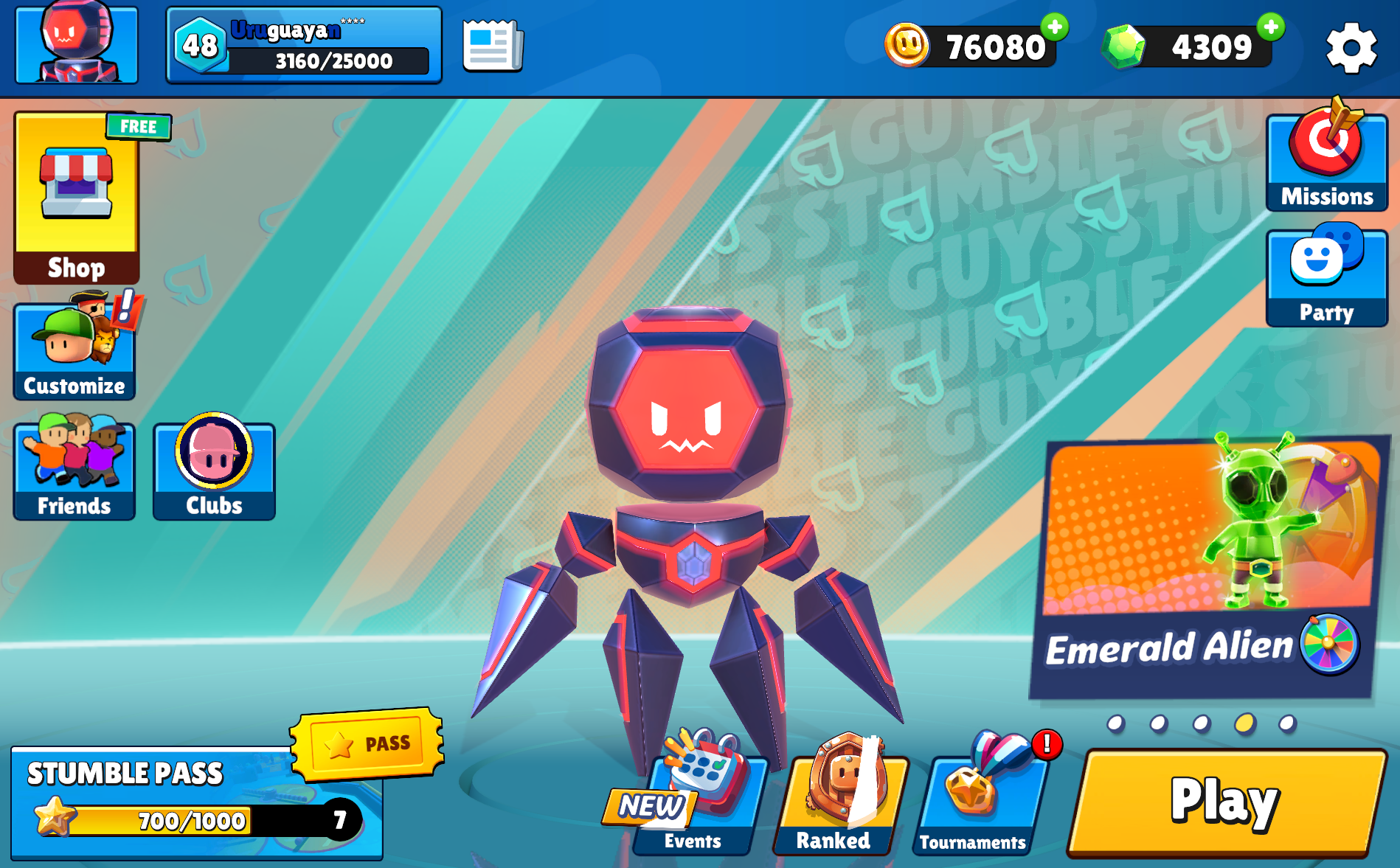
Tap Customize on the Home Screen to access all customization options.
Customize Menu Overview
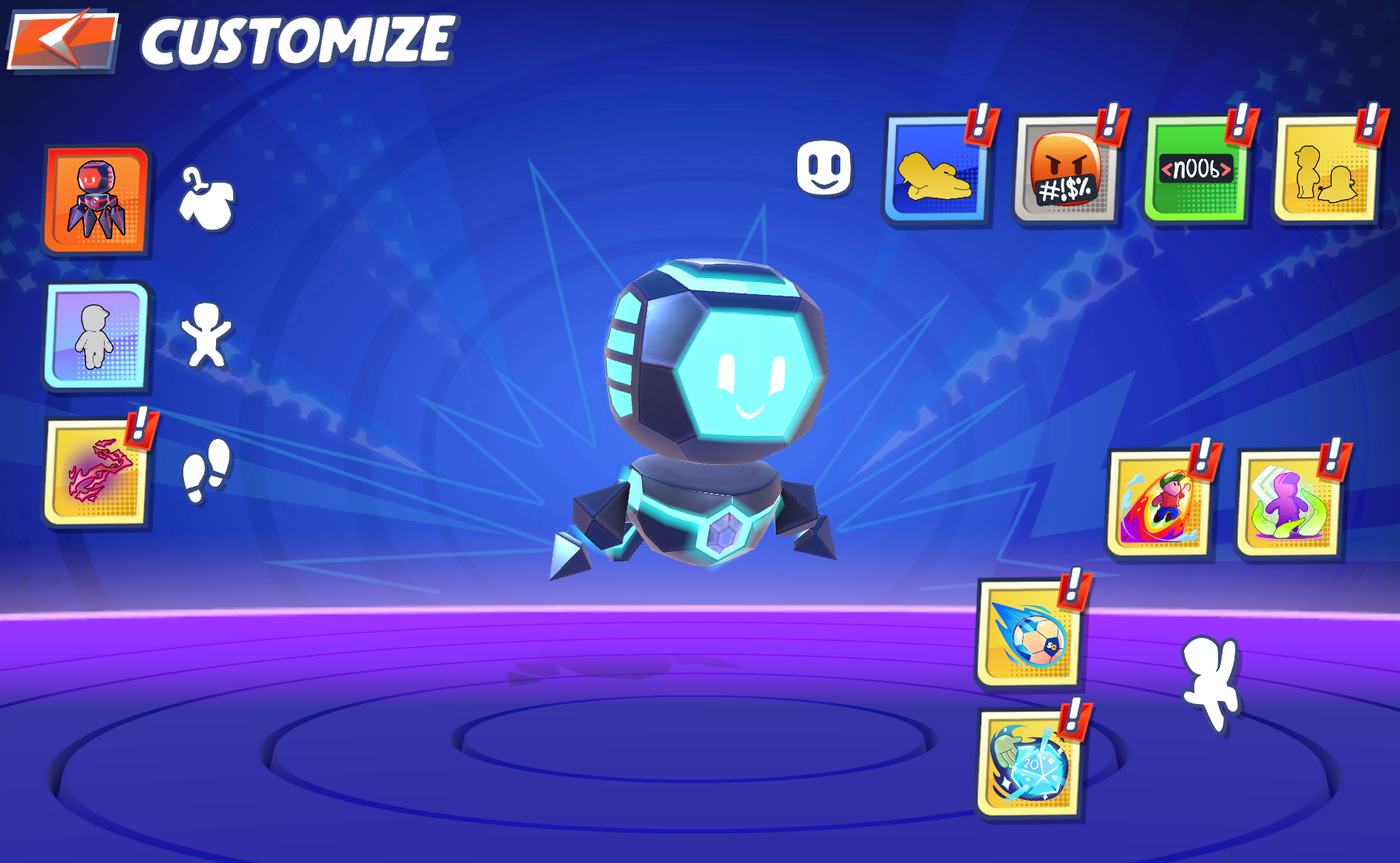
The Customize menu lets you preview and equip skins, emotes, abilities, and more.
From here, you can switch between different categories using the side menu.
Skins
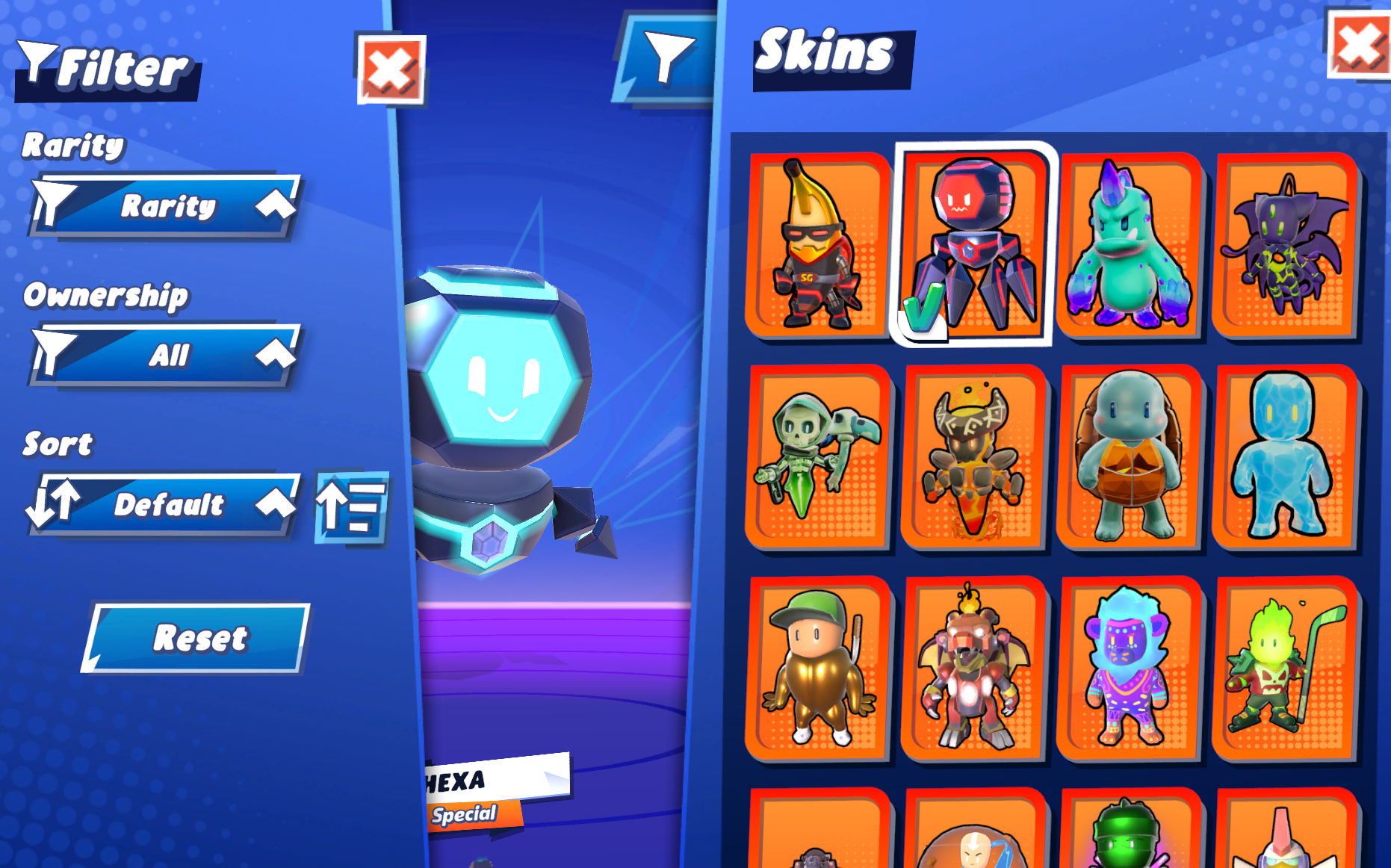
Browse and select from all available Stumblers using filters and sorting options.
- Choose from all unlocked Stumblers
- Use filters to sort by:
- Rarity
- Ownership
- Easily preview and equip your favorite look
Skin Customization
Some skins allow additional customization such as colors or visual variations.
- Certain skins offer extra customization options
- Availability depends on the skin
Emotes
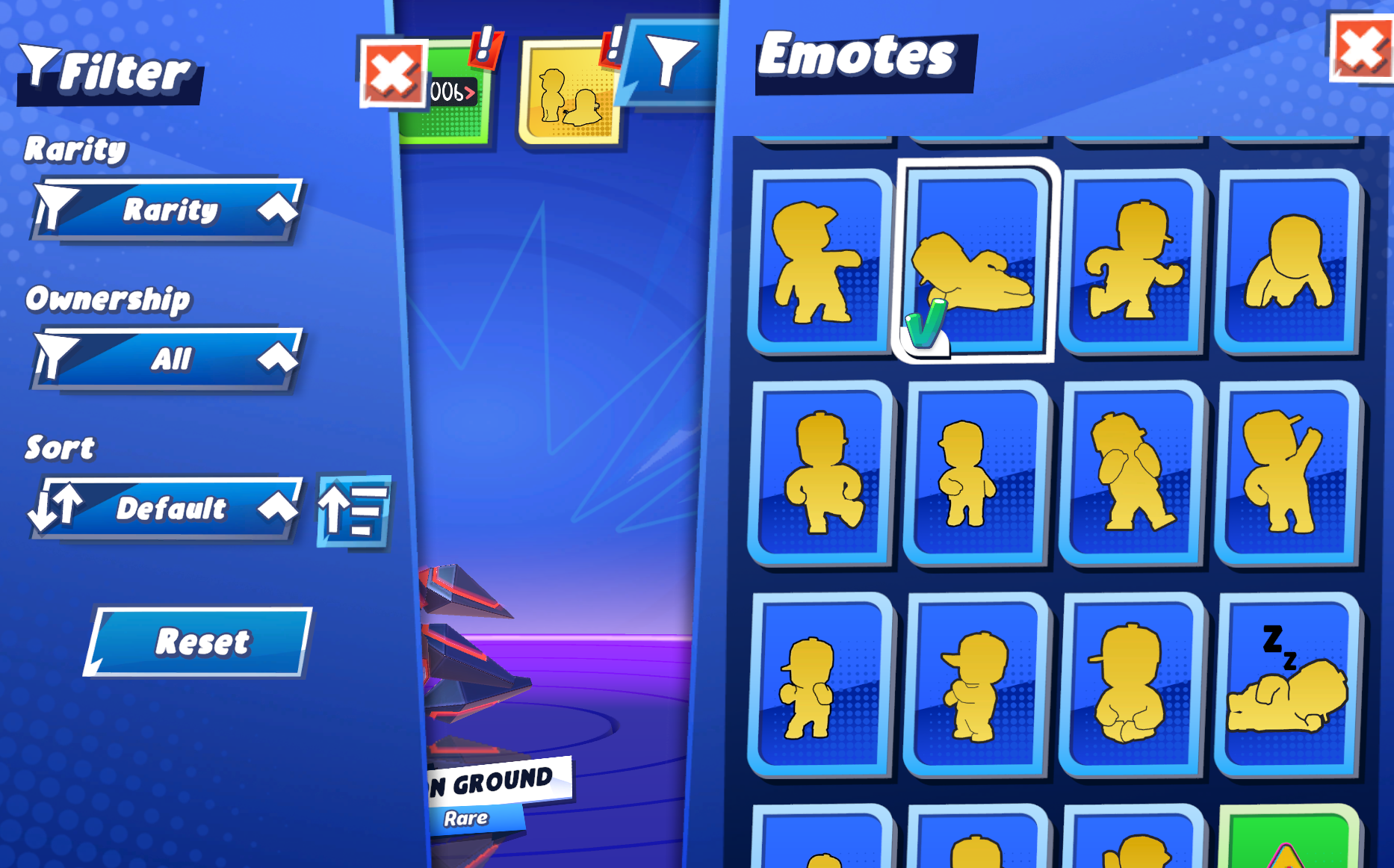
Equip emotes to express yourself during matches.
- Used during gameplay
- Select and equip emotes to use in matches
- Great for communication and fun moments
Abilities
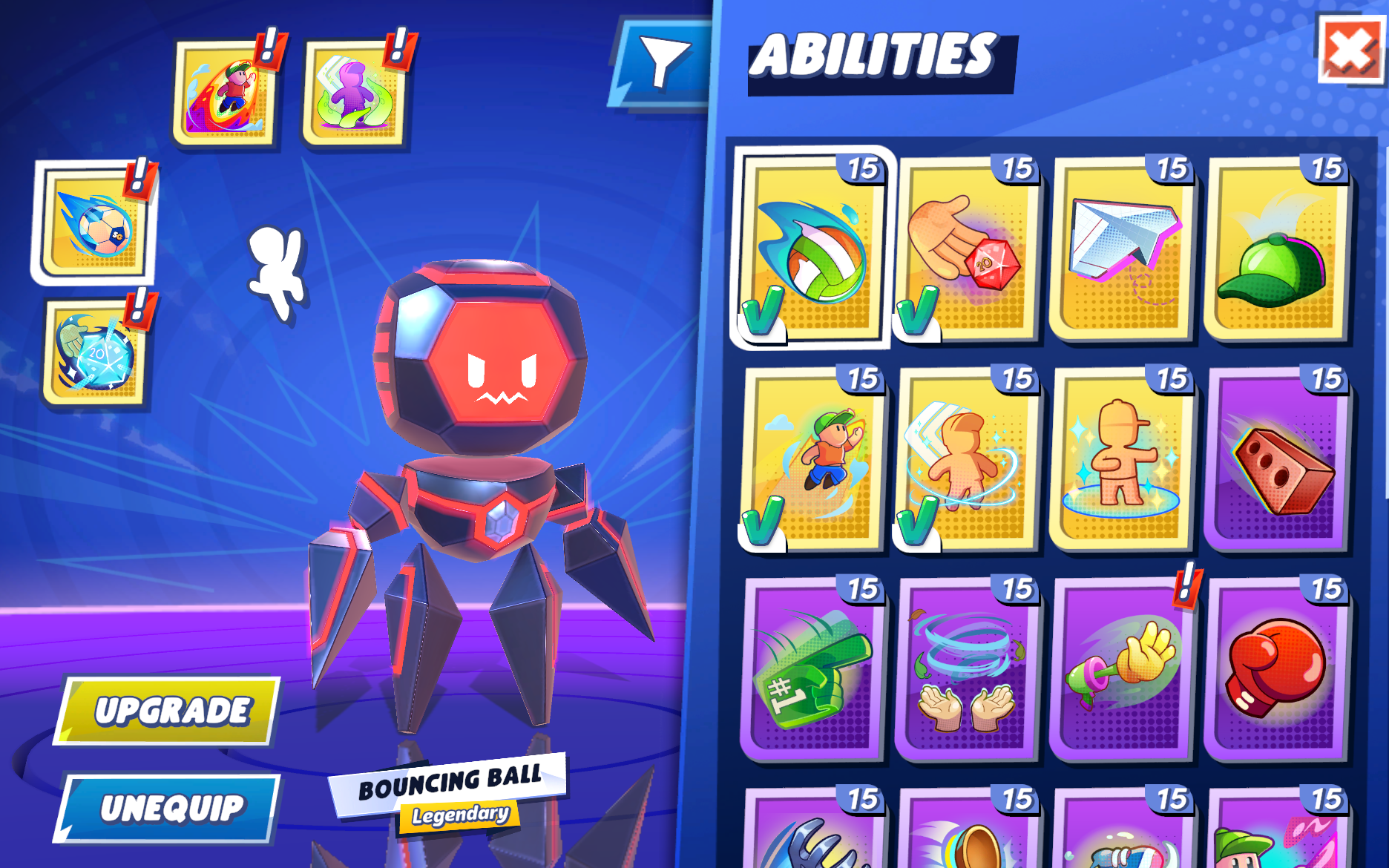
Equip abilities that can impact gameplay depending on the mode.
- Replace the old “Special Emotes” system
- Can affect gameplay (depending on mode/season)
- Unlock and upgrade abilities
- Select which ones to equip before matches
Victory Animations
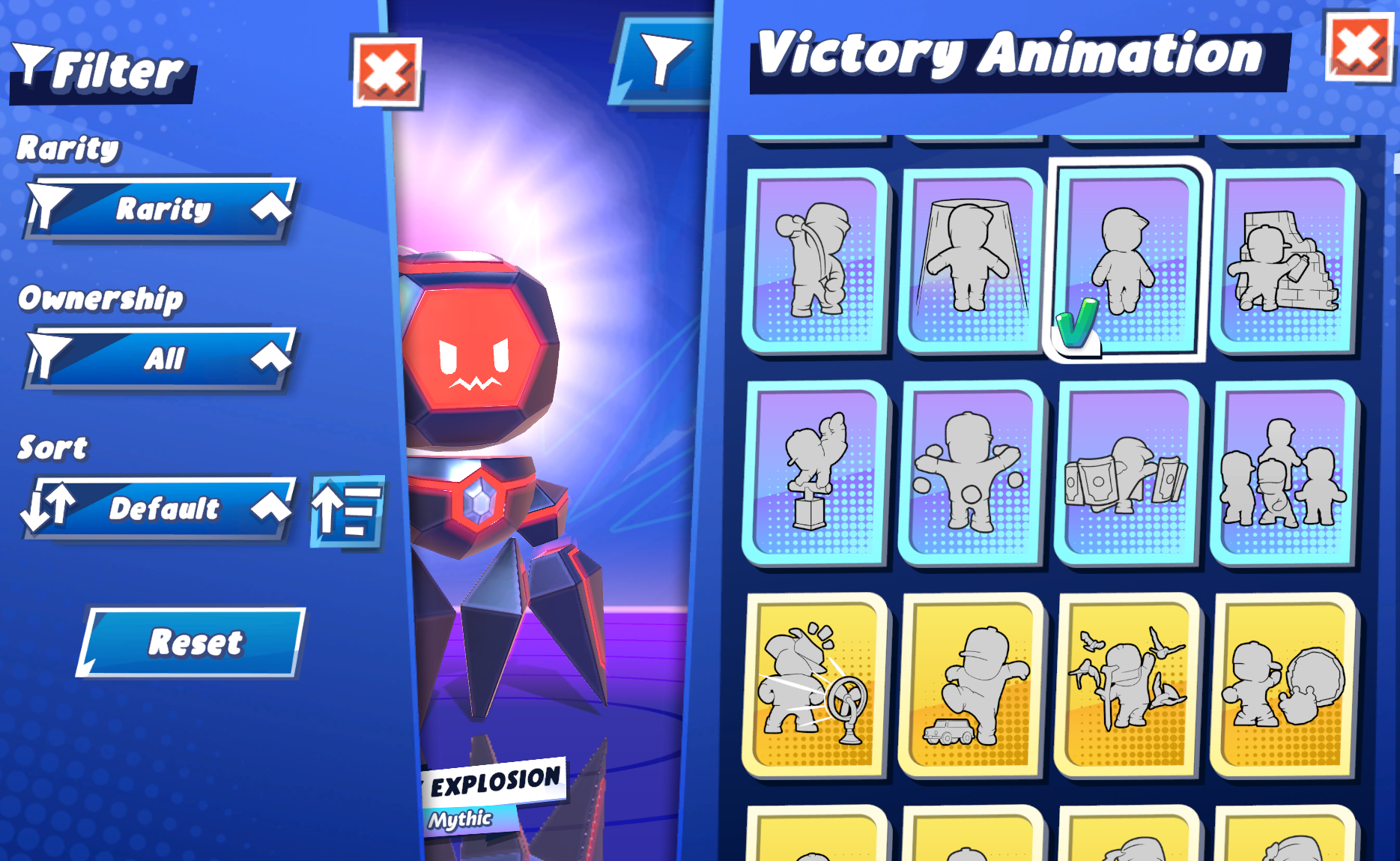
Choose how your Stumbler celebrates after winning.
- Play when you win a match
- Add personality to your victories
Footsteps
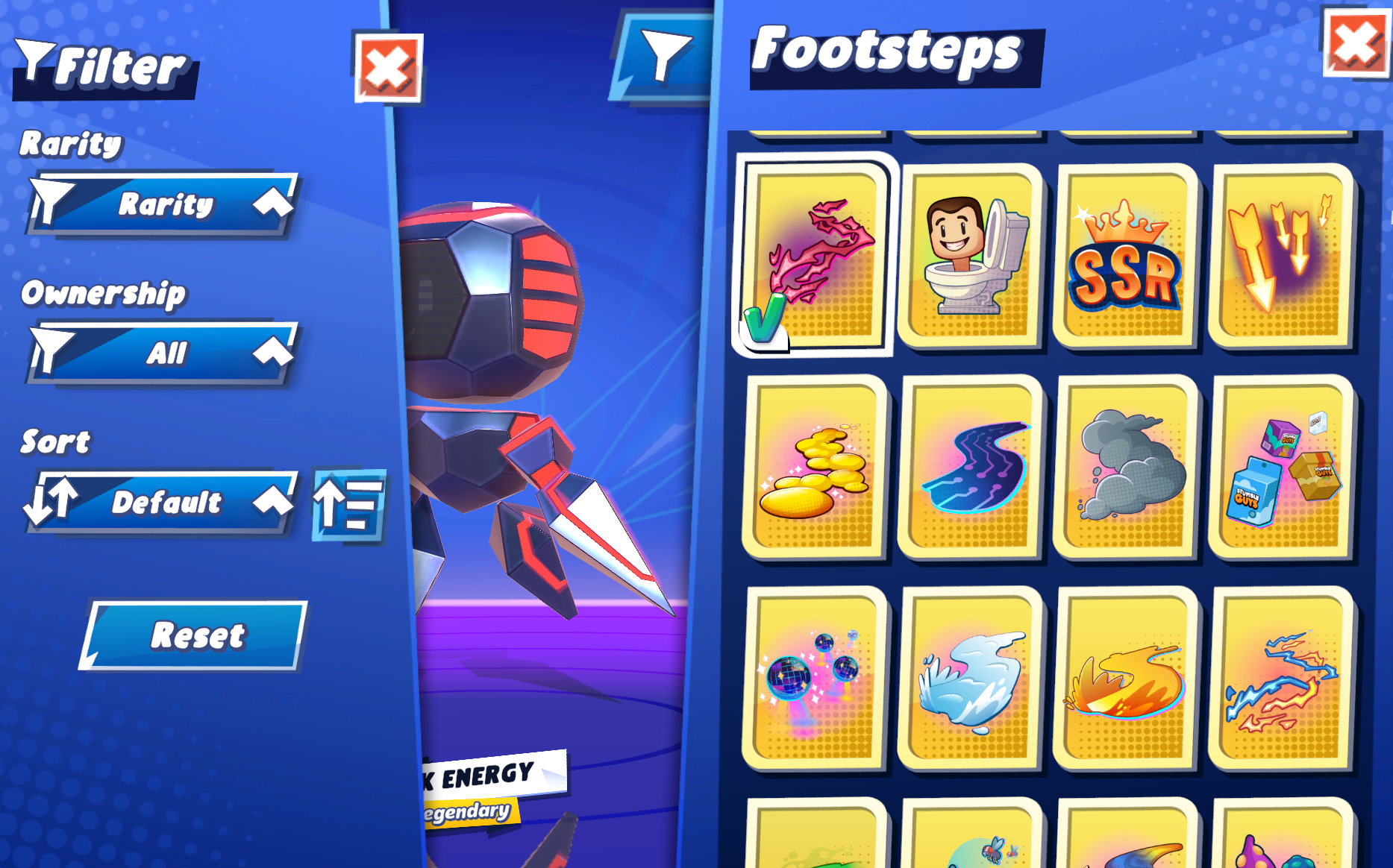
Leave a unique trail behind your character while moving.
- Visual effects that appear while running
- Purely cosmetic
Filters & Sorting
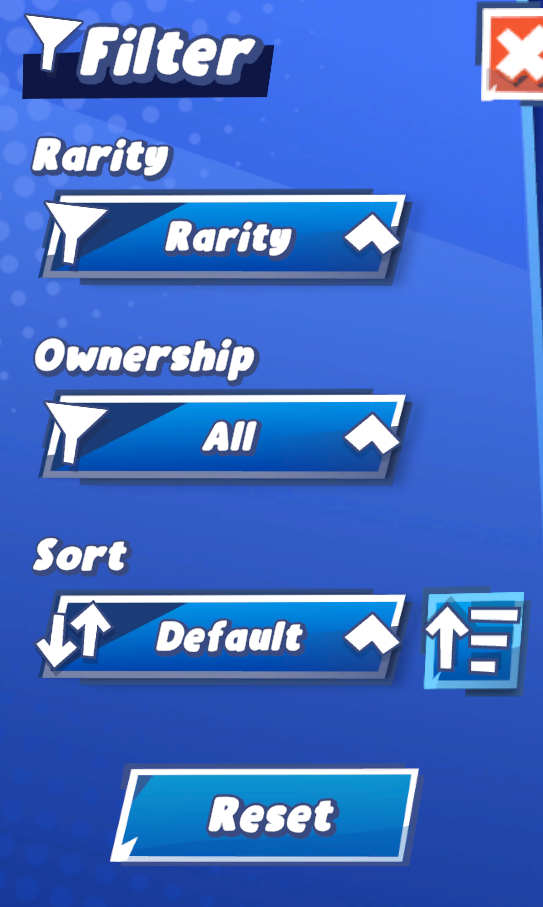
Use filters to quickly find the items you want.
- Filter by rarity
- Show owned/unowned items
- Sort items for easier browsing
Notes
- Some customization options may depend on:
- Game mode
- Season
- Unlock progress
- Not all abilities are available in every mode
- Cosmetic items do not affect gameplay (except abilities when enabled)
To infinity, and a few stumbles more.
