
Here are the official places where you can purchase Stumble Guys items.
In-Game Shop (Stumble Shop)
You can buy items directly inside the game through the Stumble Shop, using Gems or real money.
It is available on:
- Mobile (Android & iOS)
- Steam
- Consoles
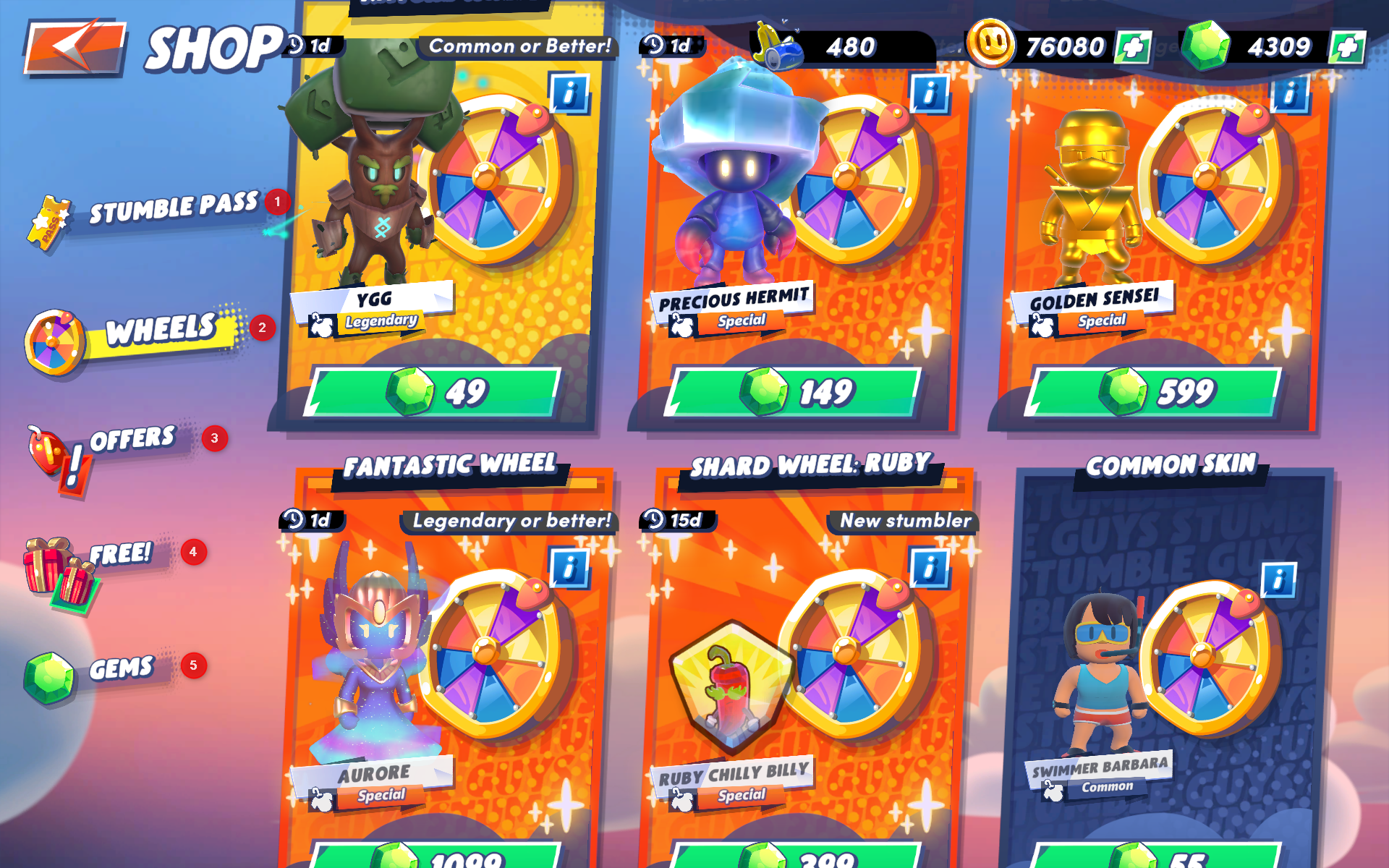
The Stumble Shop includes sections like Stumble Pass, Wheels, Offers, Free rewards, and Gems.
Shop Sections
- Stumble Pass
Seasonal progression system with rewards such as skins, cosmetics, and currency. - Wheels
Spin to earn rewards like skins, emotes, and animations. - Offers
Bundles and deals available for purchase, often for a limited time. - Free
Daily rewards, free spins, and time-limited bonuses. - Gems
Purchase premium currency used for spins and offers. - Support a Creator
Enter a creator code to support your favorite content creators when making purchases.
Web Shop (Website)
You can also purchase items through the official Stumble Guys website.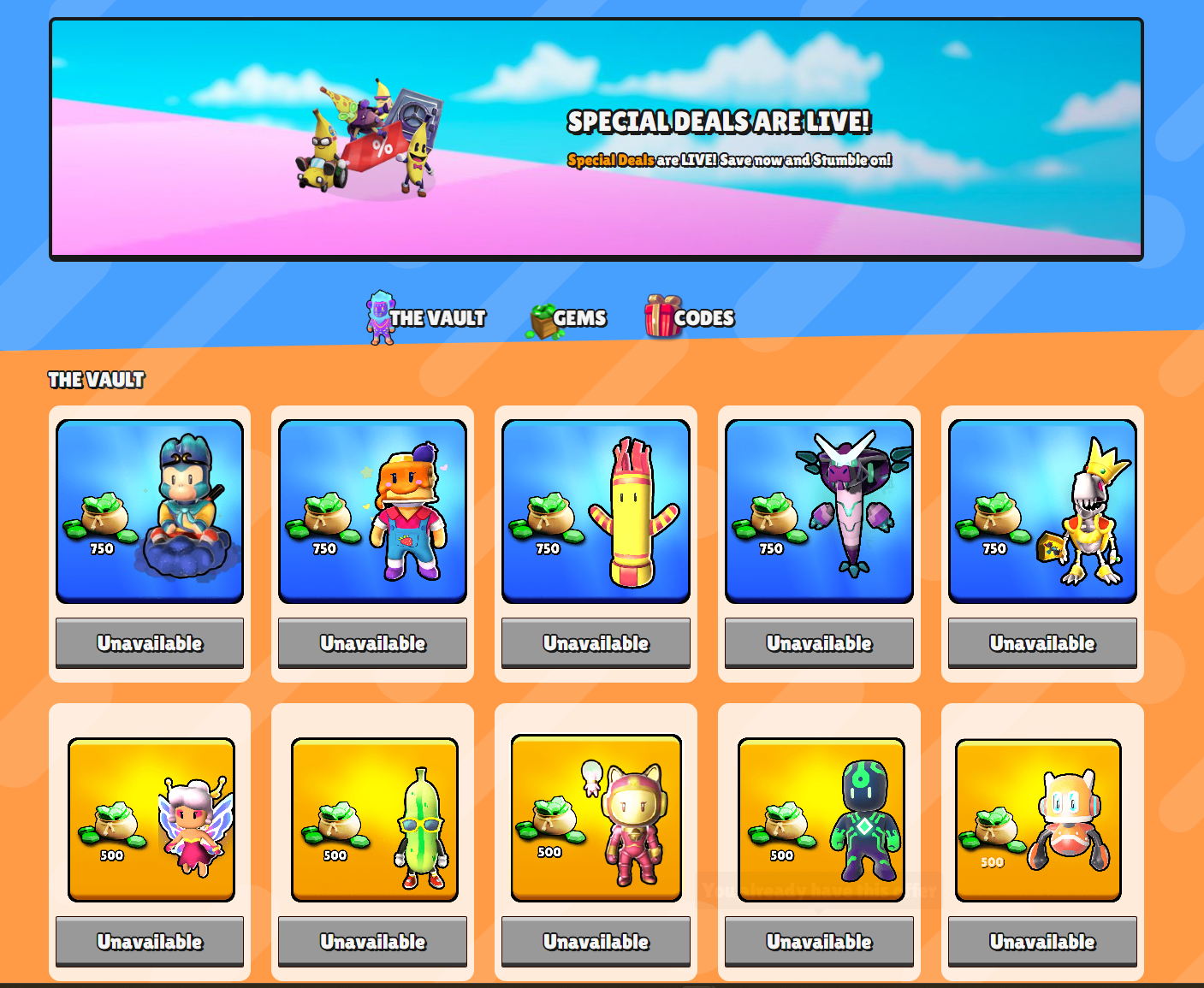
The Web Shop allows you to browse and purchase bundles, gems, and special offers outside the game.
Web Shop Sections
- Special Deals – Limited-time offers
- The Vault – Exclusive or rotating cosmetics
- Gems – Purchase premium currency
- Codes – Redeem creator or promotional codes
Platform Stores
You can also make purchases through platform-specific stores:
PlayStation Store
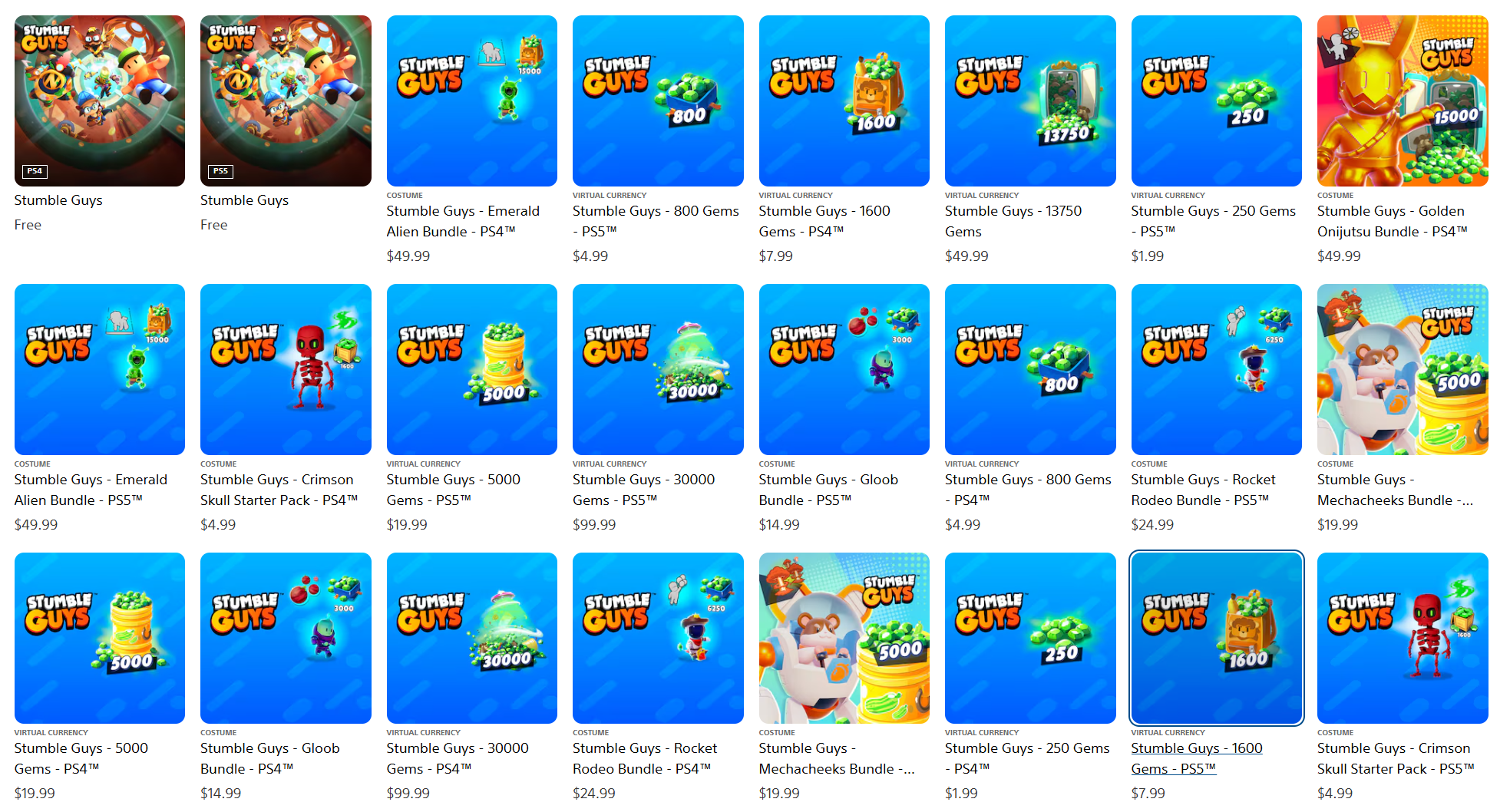
Browse and purchase bundles, currency packs, and add-ons directly from the PlayStation Store.
Includes:
- Base game (free to download)
- Bundles and cosmetics
- Currency packs
- Exclusive offers
Xbox Store
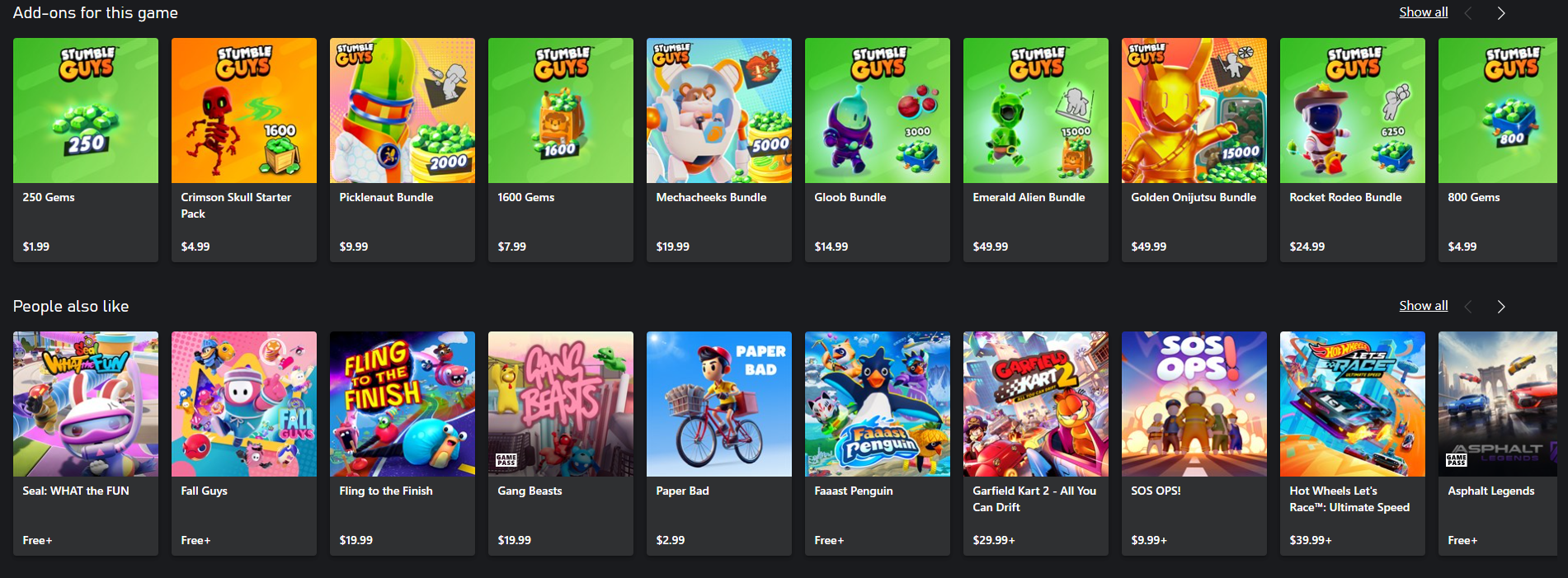
Access downloadable content (DLC) and bundles available for Stumble Guys on Xbox.
Includes:
- Add-ons
- Bundles
- Currency packs
Nintendo eShop
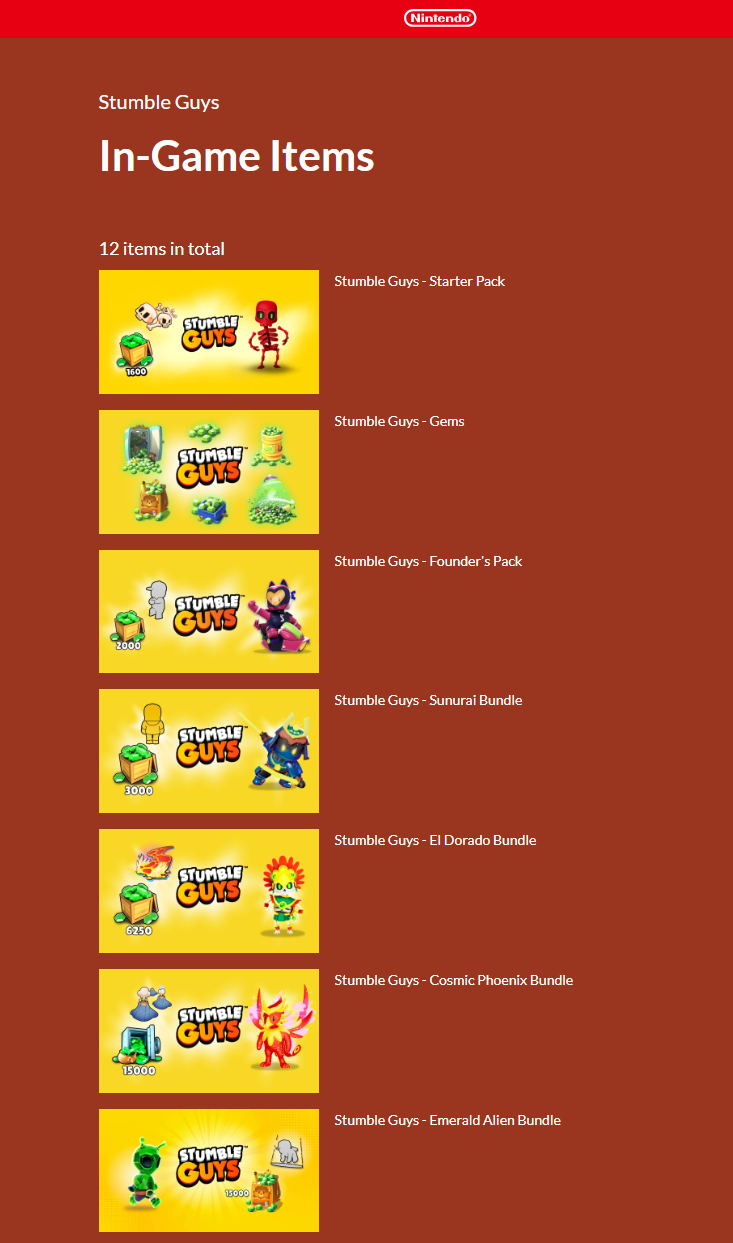
Purchase downloadable bundles and content packs from the Nintendo eShop.
Includes:
- Premium bundles
- Cosmetic packs
- Downloadable content
CodaShop
CodaShop allows purchases depending on your region.
Important Notes
- Offers may vary depending on your platform and region
- Some bundles are only available for a limited time
- Platform stores may include exclusive offers
Need Help with a Purchase?
If you experience issues with a purchase, please check:
Or contact Support via:
Settings → Help & Support
Have a lawful day!
